
If you haven’t yet reviewed “Target Measurements” (that precedes this section), it would be helpful to start there. Then, continue on to this section. It explains the main types of measurements you will be doing in the field. It also shows what the screen looks like when it takes a measurement.
For a “Point & Shoot”, we will simply discuss the differences with this type of measurement.
Where a Target Hover grabs the center of a round object, to keep your measurement precise during AB measurements… a Point & Shoot measures the exact spot the laser is on.
If you wanted to pinpoint something, you would use this measurement. For example if you wanted to show where a Funbrella was located in a pool, you could do a Point & Shoot and it will measure the exact spot you were aiming for.
The majority of scenarios where the Point & Shoot would be used:
- Pinpointing something in the pool without getting into the water to make the measurement
- A wall that cannot be reached, except by getting into the water. You can shoot multiple spots to pinpoint it
- Ladder or Slide rails
- Any area that needs to be pinpointed in an exact spot
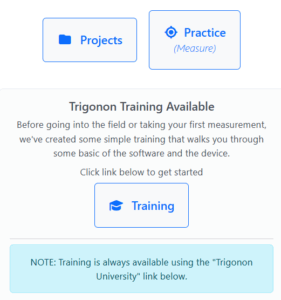
click on the Practice button
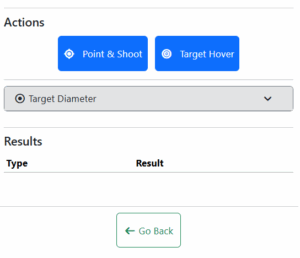
click Point & Shoot
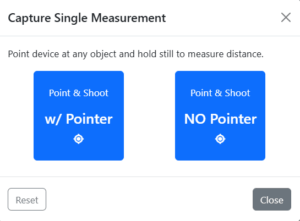
choose with or without pointer
You can choose to use the green laser to find the bucket (pointer) or leave it off. If you are indoors, you will not need the pointer. It’s overly bright for indoor use with a bucket, just a few feet away from you. So, you can turn it off if you choose to. In the field, it will come on automatically.
You press the button and the measuring laser (and green laser in the field) come on to help you find your point. Then when you press the button again, you will hear “warning” beeps (like a countdown) so you can start holding still. The last, longer beep is your last warning given and the measurement will be taken at the precise point the beep ends.
It’s that easy! As with a Target Hover, the device automatically records the measurement. No need to write or speak it into your phone.
