
Once you have your device configured, you’re ready to start doing some practice measurements! We have found that it’s much better to practice a little at home, or in the office, before using it for the first time in the field.
We made a “Training University” section that explains how to get started and even takes you through a practice test. When you open the app, click on the “Training” icon, so you can see how to go about your first practice shot!
NOTE: It will only take about 20 minutes to go through the University Training. If you have not yet used the device, this 20 minutes will save you hours of time and frustration in the field. Going through the correct setup is the difference between getting started and moving along quickly, or getting sidetracked with issues that could have been prevented.
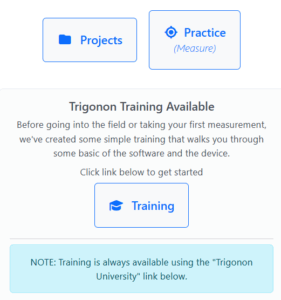
click on the Training icon
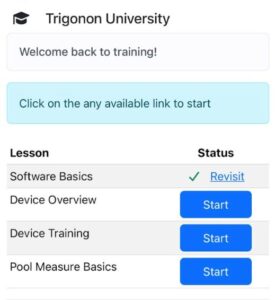
go through each training box
